[{"url":"/contact","name":"Customer Service","linkClass":null,"categoryCode":null},{"url":"/procurement-channels","name":"Procurement Channels ","linkClass":null,"categoryCode":null},{"url":"/procurement-channels/open-catalog-interface","name":"OCI","linkClass":"active","categoryCode":null}]
The Open Catalog Interface (OCI) is a standardized, open catalog data interface for exchanging catalog data sets between your ERP system (e.g., SAP) and WAGO’s online ordering system.
Summary:
- Reduced procurement and process costs
- Simpler ordering processes
- Error-free data transmission
- Compliance with internal processes
What is OCI?
- The Open Catalog Interface (OCI) is a standardized, open catalog data interface for exchanging catalog data sets between an ERP system (e.g., SAP) and WAGO’s webshop
- OCI was developed from SAP
- OCI makes it possible that the shopping cart transfers articledata into the customer´s order
- Besides SAP, many enterprise resource planning systems support this interface
- NEW: OCI can now also be used for direct ordering, depending on your configuration!
How does OCI work?
- You access the WAGO website directly from your purchase requisition via the corresponding button and are logged in there directly.
- After you have selected the desired products in the integrated Webshop, you will see the following buttons in the shopping cart, depending on the configuration:
1. "Transfer via OCI" (transfer of the products to the purchase requisition)
2. "OCI transfer and order"(Automatic ordering of the products in the shopping cart) - Your order will then be placed either in the conventional way by e-mail or EDI*, or by direct order via OCI
*if you have an active EDI connection with WAGO
How can you use OCI with WAGO?
- If you have not already done so: register here on the WAGO website.
- Please provide us with your contact information using the form below.
- We will notify you as soon as we have unlocked your account for OCI. OCI only works with e-mail addresses that have been activated for it.
- We can also activate several e-mail addresses for OCI. These must be registered on the WAGO website as well.
Process example with SAP system
Step 1
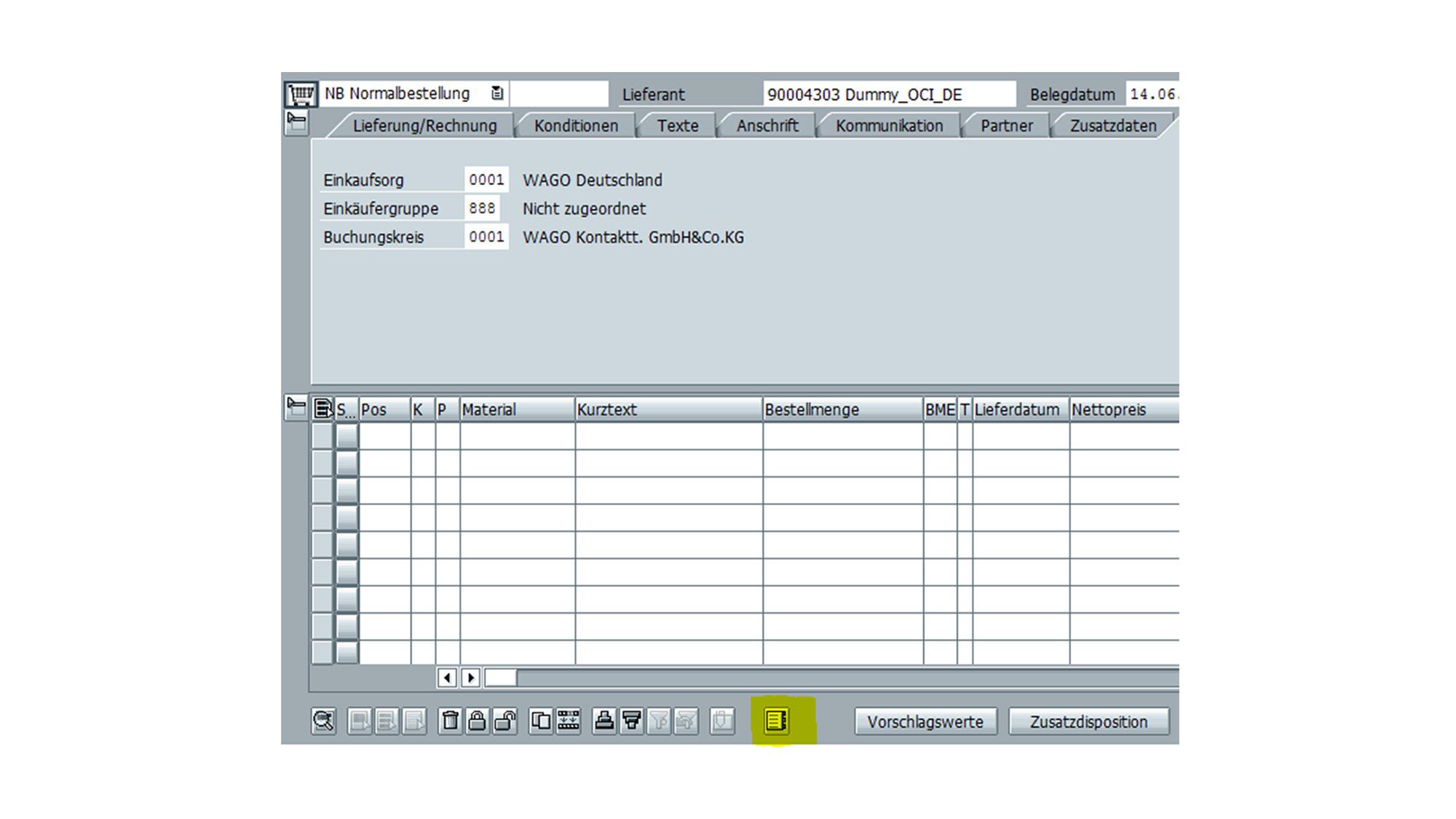
You open your purchase requisition (transaction ME21N/ME51N) and jump to the WAGO website via the catalog button (below).
The WAGO website opens in a browser window in SAP.
There you are directly logged in and can use the integrated webshop.
Step 2
Select the desired items and place them in your shopping cart.
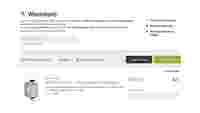
In the shopping cart, press the button "Transfer via OCI" and you will be taken back to your purchase requisition.
Step 3
The items from the shopping cart have been transferred to your purchase requisition.
You complete your data and then place your order manually via e-mail or EDI*.
*if you have an active EDI connection with WAGO
Process example with SAP system
Step 1
You open your purchase requisition (transaction ME21N/ME51N) and jump to the WAGO website via the catalog button (below).
The WAGO website opens in a browser window in SAP.
There you are directly logged in and can use the integrated webshop.
Step 2
Select the desired items and place them in your shopping cart.
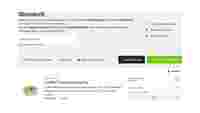
In the shopping cart view, press the button "OCI transfer and order".
In this way, the order is triggered directly!
Your contact person at WAGO
Additional service offerings:
Downloads
WAGO Downloads
From firmware, to data and information, to certificates: Everything from WAGO that might be important for your projects is available for download. Please use our services.
Products
Discover WAGO Products
The power of innovation, courage, endurance, and our engineers’ numerous innovations have created a system that is able to change. This drive has lead to continuous enhancement that is by no means complete. WAGO proves this time and again with its new products.